QuickBooks Desktop Pro vs Premier 2024 is mainly a choice between straightforward small-business accounting and a more advanced desktop workflow. Both are Windows products in our current catalog, both are sold as digital products, and both are offered with the license terms shown on their individual product pages.
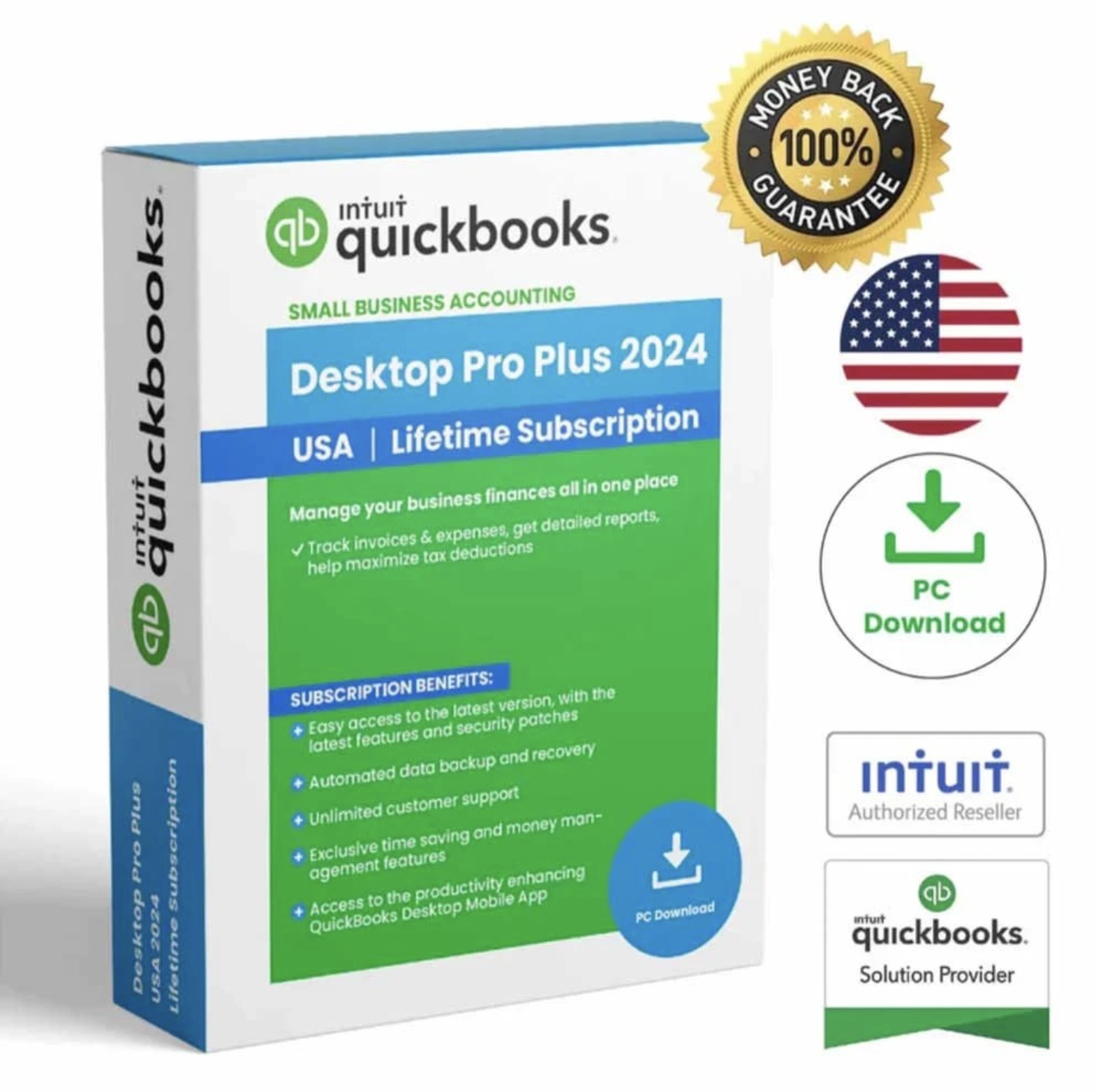
QuickBooks Desktop Pro Plus 2024
Best suited to small businesses and professionals that want reliable bookkeeping, invoicing, expense tracking and reporting.
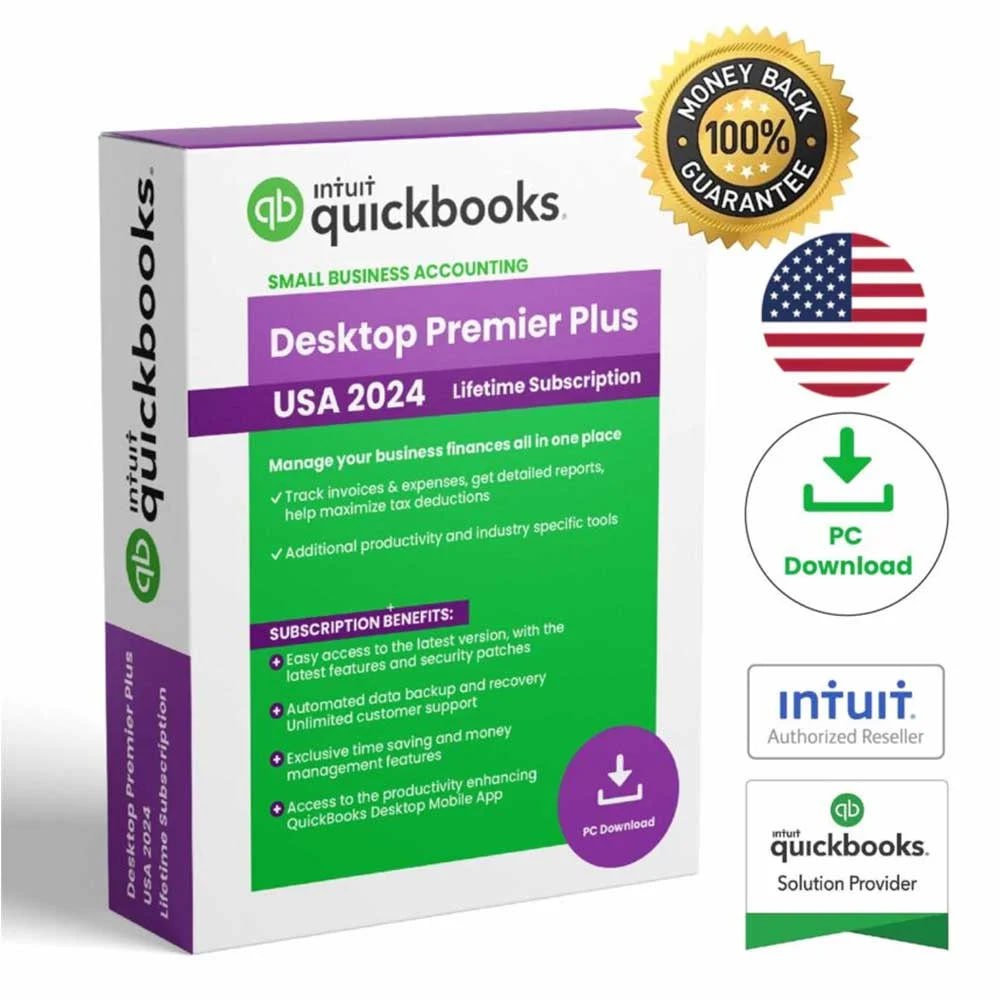
QuickBooks Desktop Premier Plus 2024
Designed for growing businesses that want a more advanced desktop accounting workflow and industry-focused flexibility.
QuickBooks Desktop Pro vs Premier 2024 at a glance
| Question | Pro 2024 | Premier 2024 |
|---|---|---|
| Best fit | Small businesses and professionals | Growing businesses and more specialized workflows |
| Platform | Windows PC | Windows PC |
| Users in our listing | 1 user | 1 user |
| Core accounting | Yes | Yes |
| Industry-focused flexibility | General workflow | More advanced workflow |
| Payroll in our listing | Not included | Not included |
Who should choose QuickBooks Desktop Pro Plus 2024?
Pro is the simpler choice when your priority is dependable desktop accounting without needing a more specialized workflow. It is positioned for everyday tasks such as organizing income and expenses, creating invoices, managing customer information and reviewing business reports.
For a small business, independent professional or owner who wants a clear Windows desktop workflow, the QuickBooks Desktop Pro Plus 2024 product page is the best place to review the exact license, platform and delivery details before checkout.
Who should choose QuickBooks Desktop Premier Plus 2024?
Premier is better suited when you want a more advanced desktop accounting option and your business needs more flexibility as it grows. It is the stronger fit when you want to move beyond a general small-business workflow and prefer the Premier edition.
See the exact configuration on our QuickBooks Desktop Premier Plus 2024 page.
What about QuickBooks Enterprise?
If your business needs a more advanced desktop option and greater user capacity, you should also review QuickBooks Desktop Enterprise 2024 – 5 Users. It is positioned for growing businesses and teams that need more capacity than our Pro and Premier listings.
What if you use a Mac?
Pro and Premier in our catalog are Windows products. If your business uses a compatible Apple Mac environment, see QuickBooks Mac Desktop 2024 instead.
Final recommendation
Choose Pro when you want straightforward small-business desktop accounting. Choose Premier when you prefer a more advanced desktop workflow. If you need more user capacity, compare Enterprise as well. The safest approach is to review the exact product page before purchase so platform, user count, payroll status, delivery and license terms are clear.
Compatibility checklist before you buy
Before choosing between Pro and Premier, confirm that the computer you plan to use meets the publisher’s current requirements. Intuit’s published QuickBooks Desktop 2024 requirements call for a supported 64-bit Windows environment for the Windows editions, along with compatible hardware, available storage and internet access for connected services. Requirements can change over time, so checking the publisher’s current guidance before purchase can prevent avoidable setup problems.
Also confirm the details shown on the individual Coppera Studio product page: operating system, user count, region, payroll status and license terms. Those details determine whether a listing is appropriate for your setup. If you are preparing a new computer or replacing an older one, review the official Intuit QuickBooks Desktop 2024 system requirements before completing your order.
Ready to choose your QuickBooks edition?
Compare the available Coppera Studio listings and choose the product that matches your platform and business needs.
Leave a Reply