✓ Authorized Reseller ✓ Lifetime License Options ✓ One-Time Payment ✓ Secure Digital Delivery

Category: QuickBooks Guides

  • How to Install and Activate QuickBooks Desktop 2024

    How to Install and Activate QuickBooks Desktop 2024

    Installing and activating QuickBooks Desktop 2024 starts with choosing the correct edition for your computer and then following the delivery instructions provided after purchase. This guide explains the Coppera Studio order flow and the basic steps to prepare for installation.

    How to install and activate QuickBooks Desktop 2024
    Before you begin: make sure the edition you purchase matches your platform. Our Pro, Premier and Enterprise listings are for Windows PC, while the Mac listing is for compatible Mac / macOS systems.

    Step 1: Choose the correct QuickBooks Desktop 2024 edition

    Start by selecting the product that matches your business and operating system:

    Step 2: Complete your secure payment

    On the product page, use the Buy Now button to continue to secure Stripe checkout. Enter an email address you can access because that is where your order-related software details will be sent.

    Step 3: Check the email used during payment

    After a successful payment, Coppera Studio manually sends the software download, license or activation details, and installation instructions to the email used during checkout. If you do not see the message, check your spam or junk folder.

    Step 4: Download the software using the provided instructions

    Use the download information sent with your order. Follow the instructions carefully and save any order or activation details somewhere secure before starting the installation.

    Step 5: Install the application

    Run the installer on the compatible computer and follow the on-screen setup steps. The exact screens can vary by edition and platform, so use the instructions included with your order rather than guessing or using details from a different version.

    Step 6: Complete activation

    Use the license or activation information supplied for your order. Keep the details private and associated with the computer and product configuration you purchased.

    Step 7: Set up your business workflow

    After installation and activation, you can begin configuring your company file and the accounting workflow relevant to your business. Typical areas include customers, vendors, invoices, expenses and reports.

    Common setup questions

    What if I bought the wrong platform?

    Do not continue with an installer for the wrong operating system. Review the product page and contact Support if you need help identifying the correct listing.

    What if I do not receive the delivery email?

    Check spam and junk folders first. Make sure you are checking the same email address used during Stripe checkout. If the message is still missing, contact Support@copperastudio.com.

    Is payroll included?

    Payroll is marked as not included on the four QuickBooks Desktop 2024 products currently listed on Coppera Studio.

    Where can I compare editions?

    Use our QuickBooks comparison page or read the QuickBooks Desktop 2024 buying guide.

    Before you install and activate QuickBooks Desktop 2024

    Check compatibility before running the installer. Intuit’s current QuickBooks Desktop 2024 requirements identify supported operating systems and hardware expectations for Windows editions, and the same publisher page includes requirements for QuickBooks Mac Plus 2024. Confirming these details first can save time if you are installing on a new computer or replacing an older system.

    Keep the product details and order email available during setup, and use the installation and activation information supplied for the exact edition you purchased. If you need publisher-side technical guidance beyond your Coppera Studio order instructions, consult the official Intuit QuickBooks Desktop 2024 system requirements or Intuit’s QuickBooks Desktop support resources.

    Related guides: QuickBooks Desktop 2024 Buying Guide · QuickBooks Pro vs Premier 2024

    Need QuickBooks Desktop 2024?

    Browse the current editions, choose the right platform and review the exact product details before payment.
    Browse QuickBooks Installation Support
  • QuickBooks Desktop 2024 Buying Guide: Pro, Premier, Enterprise or Mac

    QuickBooks Desktop 2024 Buying Guide: Pro, Premier, Enterprise or Mac

    This QuickBooks Desktop 2024 buying guide compares the four editions currently available from Coppera Studio: Pro, Premier, Enterprise and Mac. The right choice depends mainly on your operating system, business needs and user count.

    QuickBooks Desktop 2024 Buying Guide Pro edition

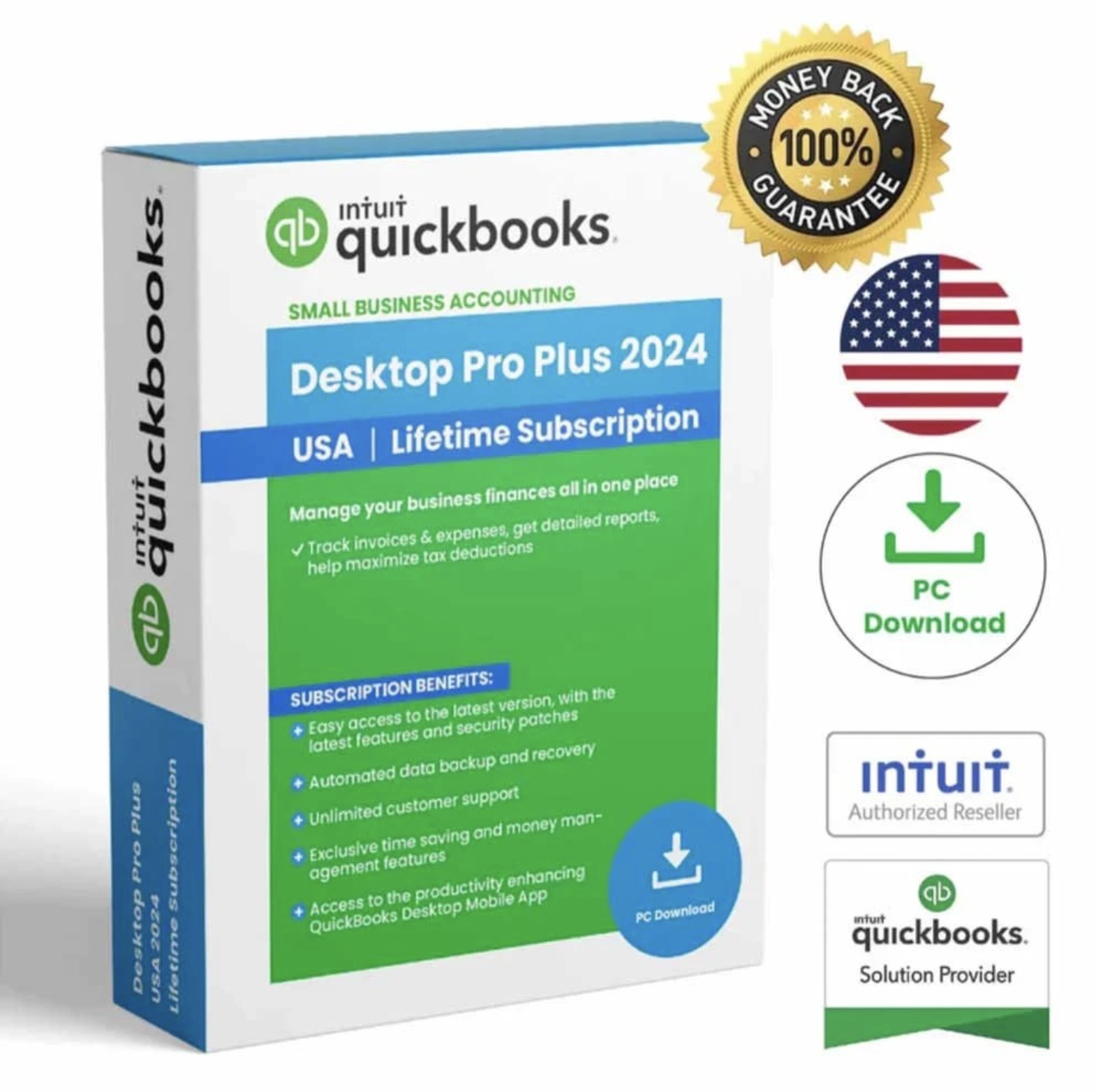
    Pro Plus 2024

    Windows • 1 User

    View Pro →

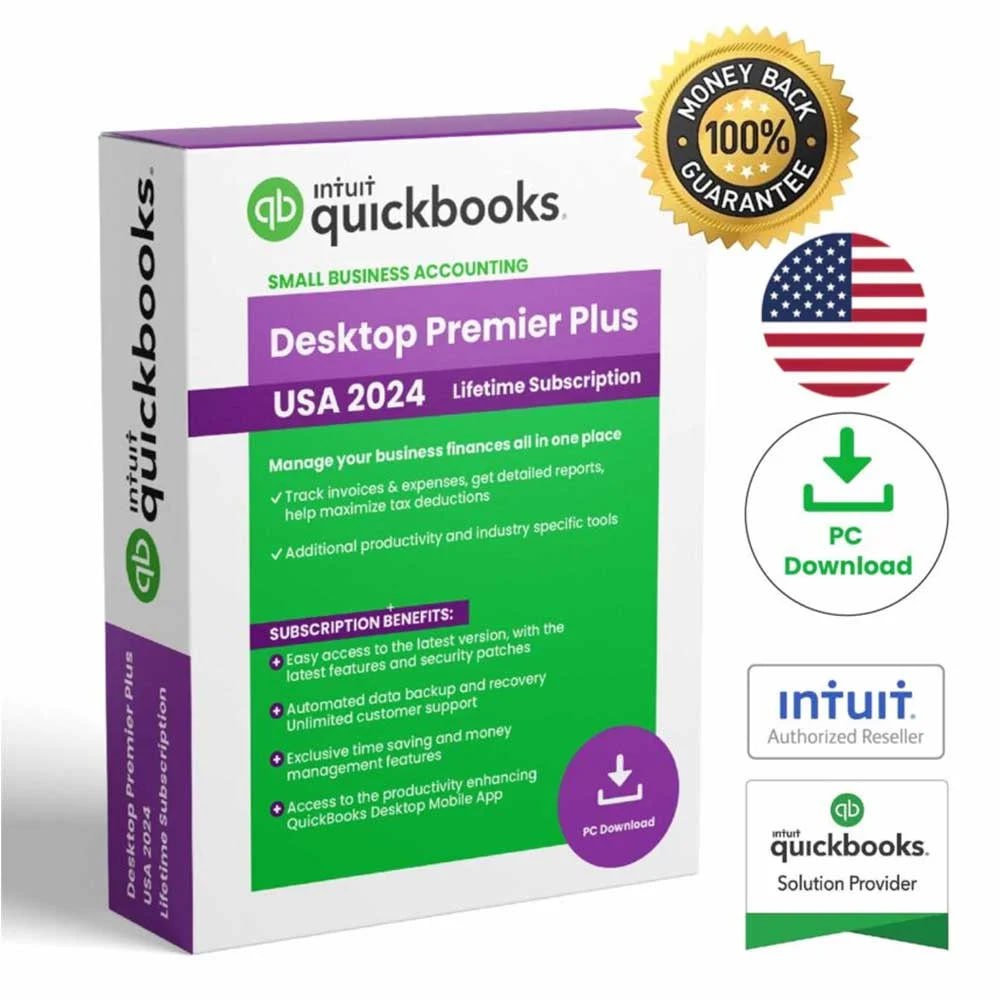
    QuickBooks Desktop Premier Plus 2024

    Premier Plus 2024

    Windows • 1 User

    View Premier →

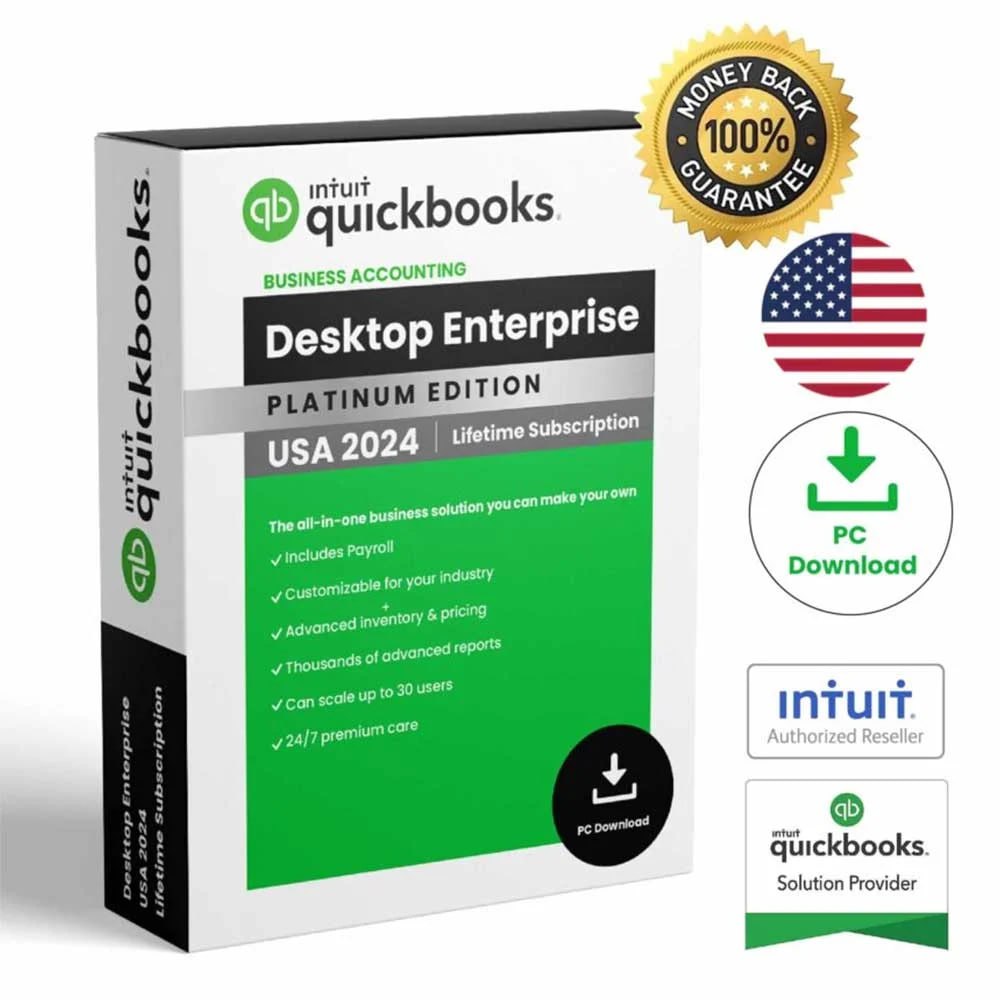
    QuickBooks Desktop Enterprise 2024

    Enterprise 2024

    Windows • 5 Users

    View Enterprise →

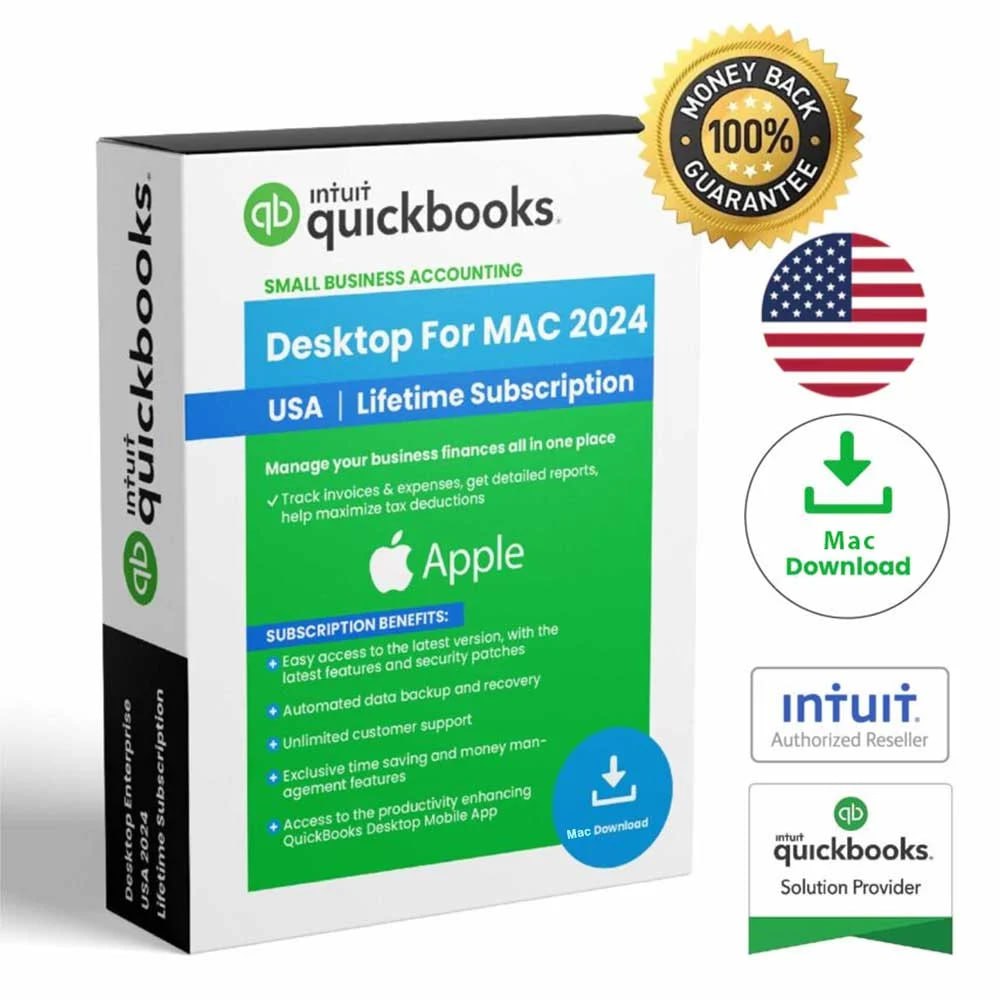
    QuickBooks Mac Desktop 2024

    Mac Desktop 2024

    Mac / macOS • 1 User

    View Mac →

    QuickBooks Desktop 2024 edition comparison

    EditionBest forPlatformUsers in our listing
    Pro Plus 2024Small businesses and professionalsWindows PC1
    Premier Plus 2024Growing businesses wanting a more advanced workflowWindows PC1
    Enterprise 2024Growing businesses and teams needing more capacityWindows PC5
    Mac Desktop 2024Businesses using compatible Apple Mac systemsMac / macOS1

    1. QuickBooks Desktop Pro Plus 2024

    Pro is the starting point for buyers who want reliable Windows desktop accounting for everyday business finances. Our listing emphasizes bookkeeping, invoicing, expense tracking, customer management and business reporting.

    Shop QuickBooks Desktop Pro Plus 2024 →

    2. QuickBooks Desktop Premier Plus 2024

    Premier is a step up for businesses that want a more advanced desktop accounting workflow. It is aimed at growing businesses and users who prefer more industry-focused flexibility while remaining on Windows.

    Shop QuickBooks Desktop Premier Plus 2024 →

    3. QuickBooks Desktop Enterprise 2024

    Enterprise is the stronger option in our catalog for larger or growing teams. Our current listing includes coverage for 5 users and is positioned for businesses that need more capacity and advanced reporting workflows.

    Shop QuickBooks Desktop Enterprise 2024 →

    4. QuickBooks Mac Desktop 2024

    If your business uses a compatible Apple Mac system, choose the Mac edition rather than a Windows listing. Our current Mac product is a 1-user USA digital listing.

    Shop QuickBooks Mac Desktop 2024 →

    How to choose the right edition

    Start with your platform first. Windows buyers can compare Pro, Premier and Enterprise. Mac users should review the Mac edition. After that, consider whether you need a straightforward small-business workflow, a more advanced Premier workflow, or greater user capacity through Enterprise.

    Important: the exact license, user count, delivery method, platform and included features are shown on each product page. Payroll is marked as not included on the four current listings.

    What does lifetime access mean on Coppera Studio?

    For products that state lifetime access, it applies to the purchased eligible version. It does not automatically include every future major QuickBooks release or upgrade unless specifically stated. You can read more on our Lifetime Licenses guide.

    Need help before buying?

    If you are still unsure, use our QuickBooks comparison page or contact Coppera Studio Support. You can also see how our digital fulfillment works on the How It Works page.

    QuickBooks Desktop 2024 Buying Guide: compatibility checklist

    Edition choice is only part of the decision. Before buying, check the computer that will actually run the software. Intuit’s current system-requirements guidance for QuickBooks Desktop 2024 lists supported 64-bit Windows environments for the Windows editions and separate requirements for QuickBooks Mac Plus 2024. Hardware, memory, storage, browser access and other connected-service requirements can also affect installation and day-to-day use.

    For that reason, compare the publisher’s technical requirements with the exact Coppera Studio listing before checkout. Then verify platform, region, number of users, payroll status and the license terms shown on the product page. This is especially important when moving from an older QuickBooks version or setting up a new computer. You can review the official QuickBooks Desktop 2024 system requirements from Intuit alongside our comparison pages.

    Related guides: QuickBooks Pro vs Premier 2024 · Installation & Activation Guide

    Browse QuickBooks Desktop 2024

    See all four current editions and review compatibility, user count and license details before checkout.

    Shop QuickBooks Compare Editions
  • QuickBooks Desktop Pro vs Premier 2024: Which One Should You Choose?

    QuickBooks Desktop Pro vs Premier 2024: Which One Should You Choose?

    QuickBooks Desktop Pro vs Premier 2024 is mainly a choice between straightforward small-business accounting and a more advanced desktop workflow. Both are Windows products in our current catalog, both are sold as digital products, and both are offered with the license terms shown on their individual product pages.

    QuickBooks Desktop Pro vs Premier 2024 comparison

    QuickBooks Desktop Pro Plus 2024

    Best suited to small businesses and professionals that want reliable bookkeeping, invoicing, expense tracking and reporting.

    View QuickBooks Pro 2024 →

    QuickBooks Desktop Premier Plus 2024

    QuickBooks Desktop Premier Plus 2024

    Designed for growing businesses that want a more advanced desktop accounting workflow and industry-focused flexibility.

    View QuickBooks Premier 2024 →

    QuickBooks Desktop Pro vs Premier 2024 at a glance

    QuestionPro 2024Premier 2024
    Best fitSmall businesses and professionalsGrowing businesses and more specialized workflows
    PlatformWindows PCWindows PC
    Users in our listing1 user1 user
    Core accountingYesYes
    Industry-focused flexibilityGeneral workflowMore advanced workflow
    Payroll in our listingNot includedNot included

    Who should choose QuickBooks Desktop Pro Plus 2024?

    Pro is the simpler choice when your priority is dependable desktop accounting without needing a more specialized workflow. It is positioned for everyday tasks such as organizing income and expenses, creating invoices, managing customer information and reviewing business reports.

    For a small business, independent professional or owner who wants a clear Windows desktop workflow, the QuickBooks Desktop Pro Plus 2024 product page is the best place to review the exact license, platform and delivery details before checkout.

    Who should choose QuickBooks Desktop Premier Plus 2024?

    Premier is better suited when you want a more advanced desktop accounting option and your business needs more flexibility as it grows. It is the stronger fit when you want to move beyond a general small-business workflow and prefer the Premier edition.

    See the exact configuration on our QuickBooks Desktop Premier Plus 2024 page.

    Still unsure? Use our QuickBooks comparison page to compare Pro, Premier and Enterprise, or browse the full QuickBooks Desktop collection.

    What about QuickBooks Enterprise?

    If your business needs a more advanced desktop option and greater user capacity, you should also review QuickBooks Desktop Enterprise 2024 – 5 Users. It is positioned for growing businesses and teams that need more capacity than our Pro and Premier listings.

    What if you use a Mac?

    Pro and Premier in our catalog are Windows products. If your business uses a compatible Apple Mac environment, see QuickBooks Mac Desktop 2024 instead.

    Final recommendation

    Choose Pro when you want straightforward small-business desktop accounting. Choose Premier when you prefer a more advanced desktop workflow. If you need more user capacity, compare Enterprise as well. The safest approach is to review the exact product page before purchase so platform, user count, payroll status, delivery and license terms are clear.

    Compatibility checklist before you buy

    Before choosing between Pro and Premier, confirm that the computer you plan to use meets the publisher’s current requirements. Intuit’s published QuickBooks Desktop 2024 requirements call for a supported 64-bit Windows environment for the Windows editions, along with compatible hardware, available storage and internet access for connected services. Requirements can change over time, so checking the publisher’s current guidance before purchase can prevent avoidable setup problems.

    Also confirm the details shown on the individual Coppera Studio product page: operating system, user count, region, payroll status and license terms. Those details determine whether a listing is appropriate for your setup. If you are preparing a new computer or replacing an older one, review the official Intuit QuickBooks Desktop 2024 system requirements before completing your order.

    Related guides: QuickBooks Desktop 2024 Buying Guide · Installation & Activation Guide

    Ready to choose your QuickBooks edition?

    Compare the available Coppera Studio listings and choose the product that matches your platform and business needs.

    View Pro 2024 View Premier 2024 Compare Editions