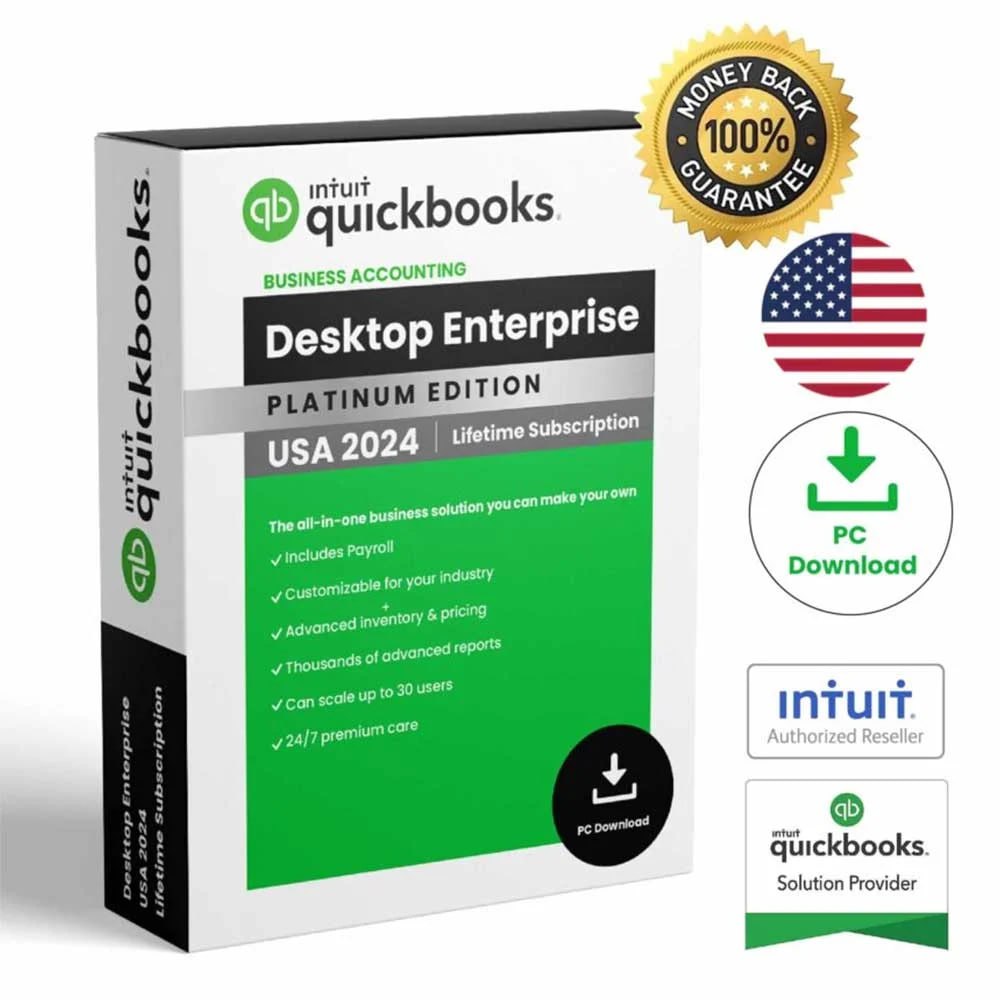
This QuickBooks Desktop 2024 buying guide compares the four editions currently available from Coppera Studio: Pro, Premier, Enterprise and Mac. The right choice depends mainly on your operating system, business needs and user count.
QuickBooks Desktop 2024 edition comparison
| Edition | Best for | Platform | Users in our listing |
|---|---|---|---|
| Pro Plus 2024 | Small businesses and professionals | Windows PC | 1 |
| Premier Plus 2024 | Growing businesses wanting a more advanced workflow | Windows PC | 1 |
| Enterprise 2024 | Growing businesses and teams needing more capacity | Windows PC | 5 |
| Mac Desktop 2024 | Businesses using compatible Apple Mac systems | Mac / macOS | 1 |
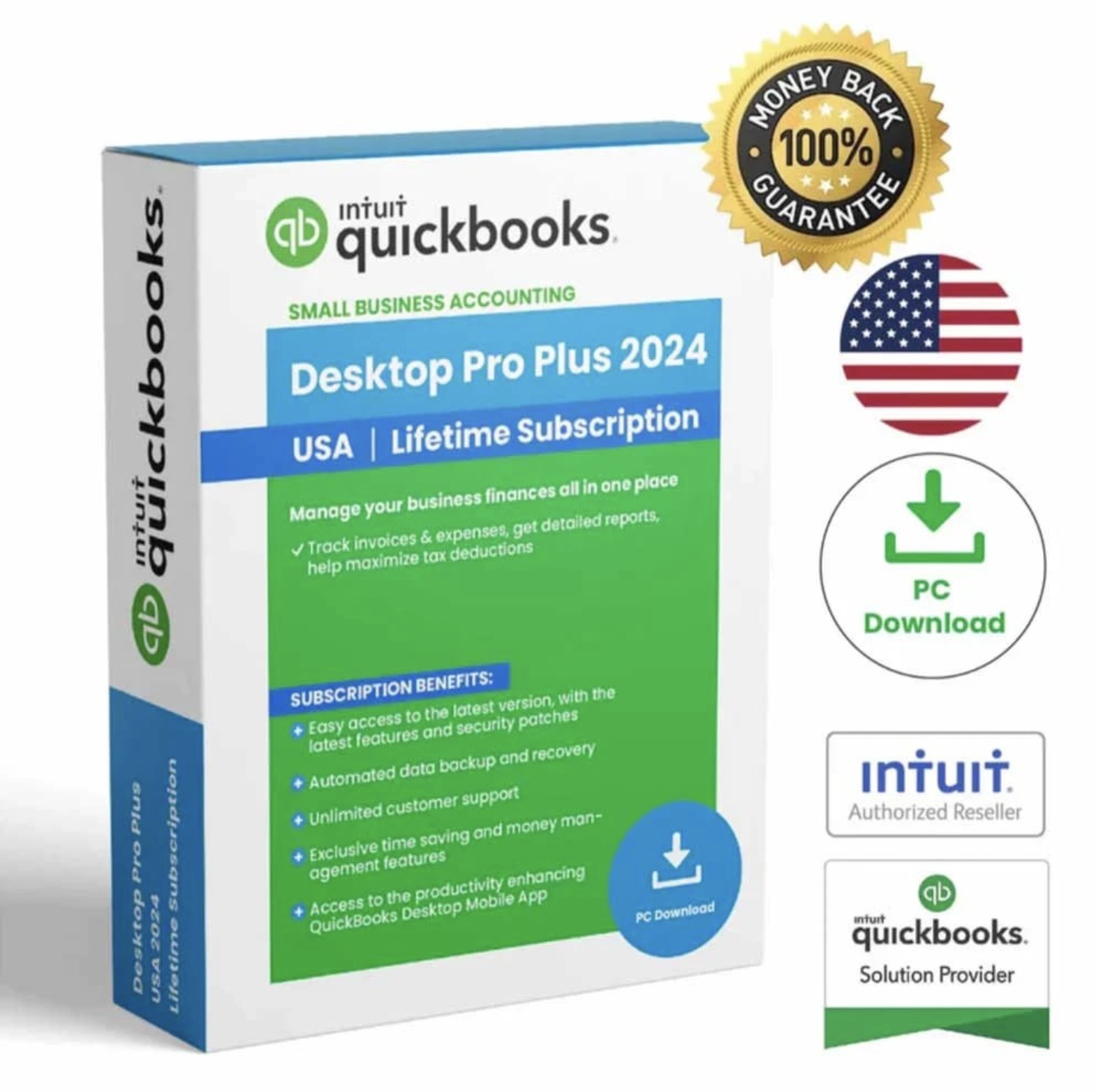
1. QuickBooks Desktop Pro Plus 2024
Pro is the starting point for buyers who want reliable Windows desktop accounting for everyday business finances. Our listing emphasizes bookkeeping, invoicing, expense tracking, customer management and business reporting.
Shop QuickBooks Desktop Pro Plus 2024 →
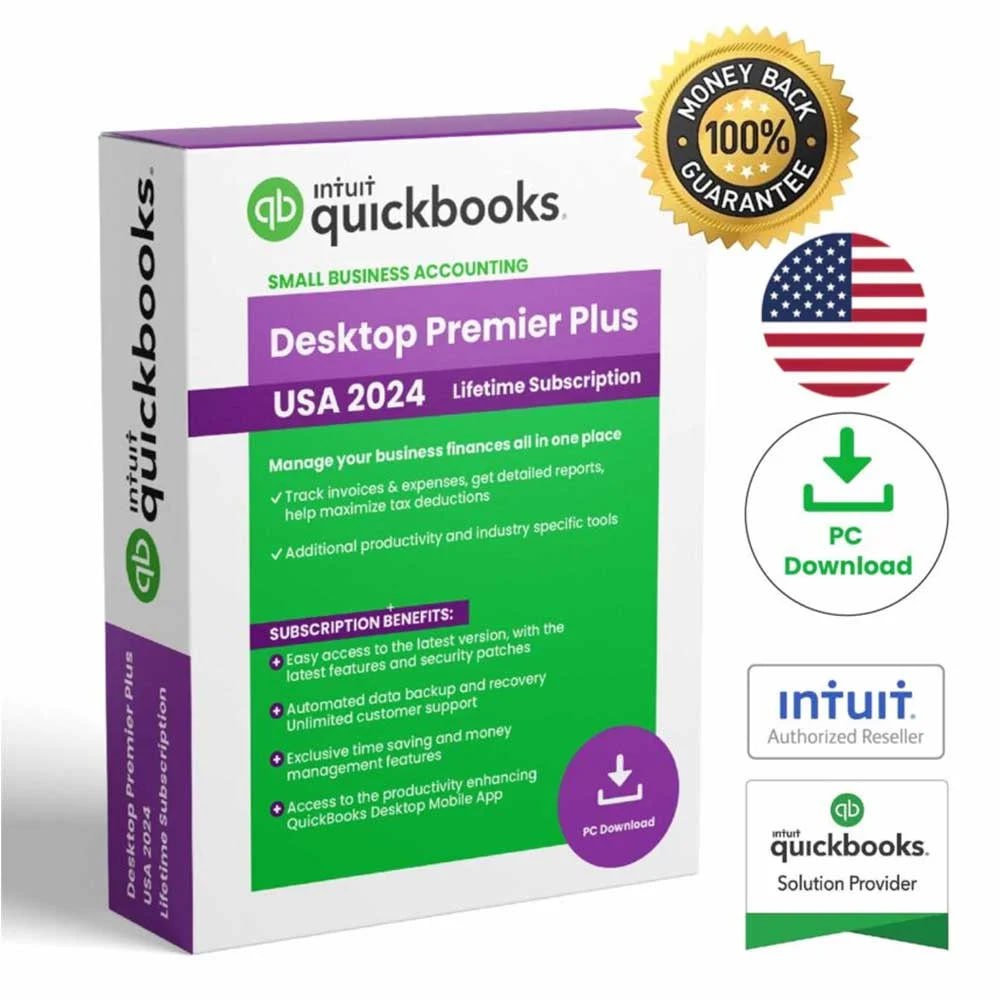
2. QuickBooks Desktop Premier Plus 2024
Premier is a step up for businesses that want a more advanced desktop accounting workflow. It is aimed at growing businesses and users who prefer more industry-focused flexibility while remaining on Windows.
Shop QuickBooks Desktop Premier Plus 2024 →
3. QuickBooks Desktop Enterprise 2024
Enterprise is the stronger option in our catalog for larger or growing teams. Our current listing includes coverage for 5 users and is positioned for businesses that need more capacity and advanced reporting workflows.
Shop QuickBooks Desktop Enterprise 2024 →
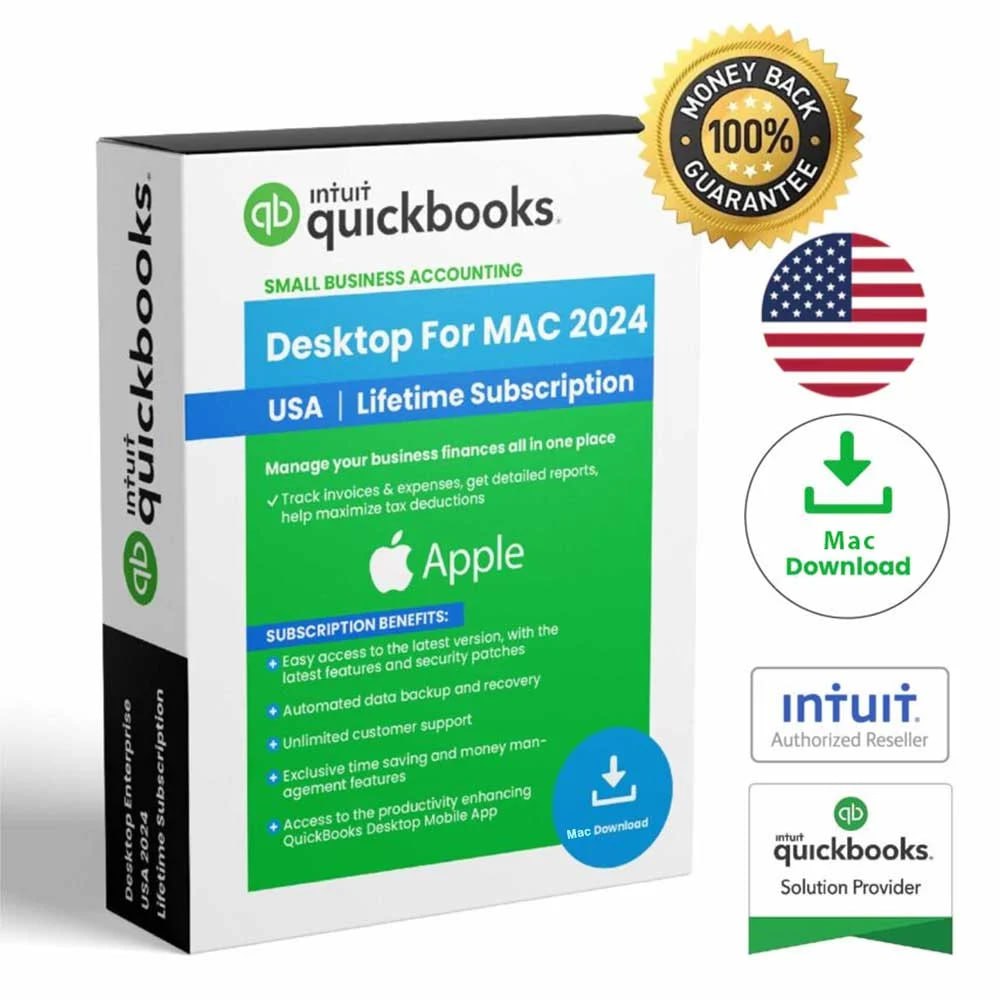
4. QuickBooks Mac Desktop 2024
If your business uses a compatible Apple Mac system, choose the Mac edition rather than a Windows listing. Our current Mac product is a 1-user USA digital listing.
Shop QuickBooks Mac Desktop 2024 →
How to choose the right edition
Start with your platform first. Windows buyers can compare Pro, Premier and Enterprise. Mac users should review the Mac edition. After that, consider whether you need a straightforward small-business workflow, a more advanced Premier workflow, or greater user capacity through Enterprise.
What does lifetime access mean on Coppera Studio?
For products that state lifetime access, it applies to the purchased eligible version. It does not automatically include every future major QuickBooks release or upgrade unless specifically stated. You can read more on our Lifetime Licenses guide.
Need help before buying?
If you are still unsure, use our QuickBooks comparison page or contact Coppera Studio Support. You can also see how our digital fulfillment works on the How It Works page.
QuickBooks Desktop 2024 Buying Guide: compatibility checklist
Edition choice is only part of the decision. Before buying, check the computer that will actually run the software. Intuit’s current system-requirements guidance for QuickBooks Desktop 2024 lists supported 64-bit Windows environments for the Windows editions and separate requirements for QuickBooks Mac Plus 2024. Hardware, memory, storage, browser access and other connected-service requirements can also affect installation and day-to-day use.
For that reason, compare the publisher’s technical requirements with the exact Coppera Studio listing before checkout. Then verify platform, region, number of users, payroll status and the license terms shown on the product page. This is especially important when moving from an older QuickBooks version or setting up a new computer. You can review the official QuickBooks Desktop 2024 system requirements from Intuit alongside our comparison pages.
Browse QuickBooks Desktop 2024
See all four current editions and review compatibility, user count and license details before checkout.